
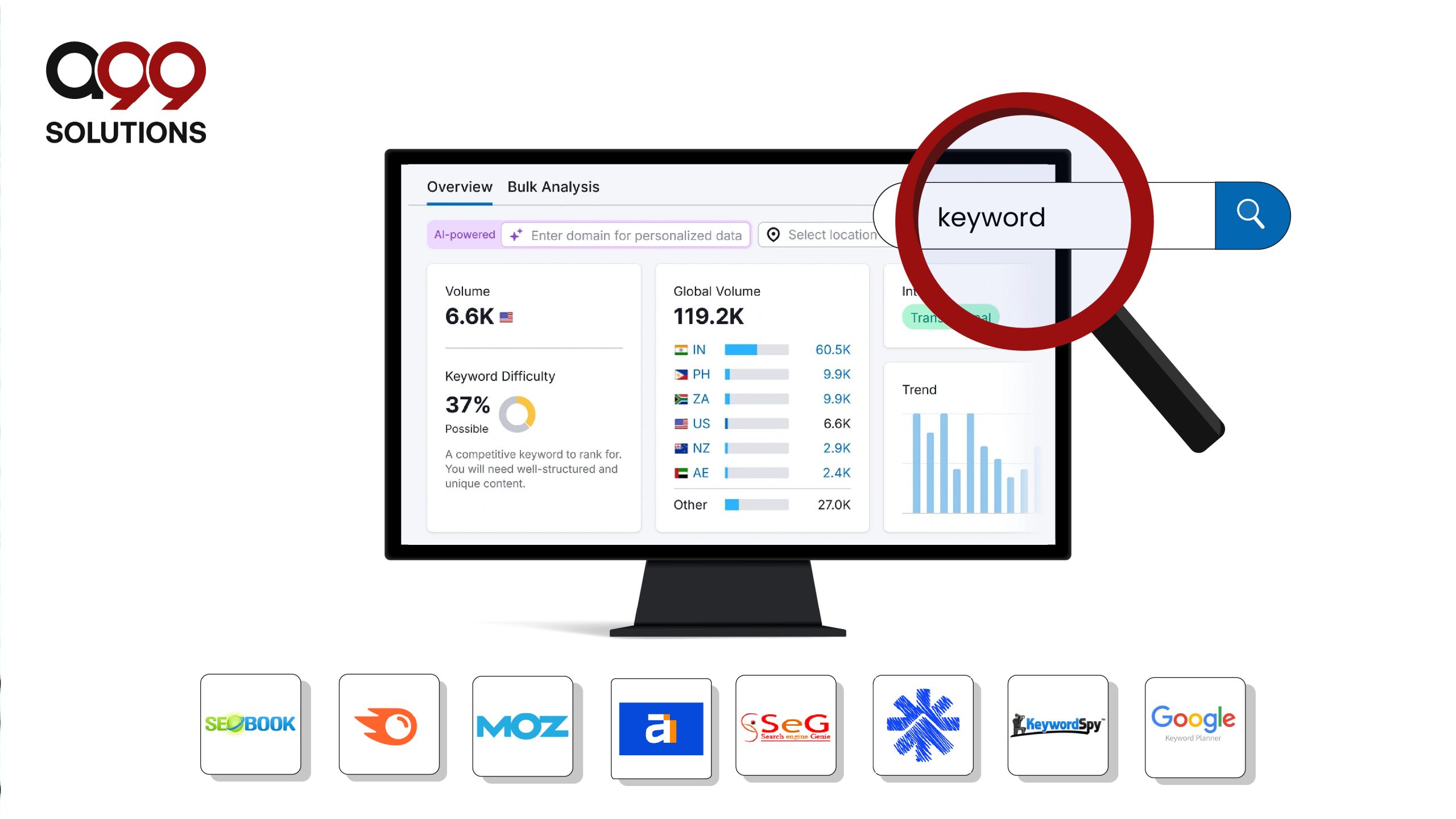
Top 8 Keyword Competition Analyzers – We’re lucky to live in a time where almost every type of tool is easily accessible—whether it’s for SEO, academic writing, tracking website traffic, or analyzing competitor keywords.
At the heart of SEO lies the keyword. Your success depends on finding keywords that bring in enough search traffic to be profitable while facing low competition. But with the internet expanding at lightning speed, uncovering those golden keywords has become more challenging than ever. That’s exactly where these tools step in—helping you scan through keyword lists, generate new ideas, and instantly show you how competitive they are.
Because keyword research directly impacts your business growth, it should always be treated as essential. Ideally, you’d set aside a budget for it. Still, I understand that small businesses often need cost-effective solutions to grow before they can invest in premium platforms. That’s why I’ve compiled this collection of free keyword competition tools.
Before diving in, here’s one quick note: some of the tools mentioned are actually paid platforms but offer free versions with limited functionality. While many other tools out there also provide trial-based access, they often come with strict lifetime limits or expire after a short period. The tools I’ve included, however, are free to use indefinitely and typically refresh their limits daily or weekly—so you can continue benefiting from them without extra cost. If you’re ready to explore advanced paid tools, you can check out this link for more options.
1. SEOBook

SEOBook offers a variety of powerful tools, many of which are completely free to use. While they do have paid memberships, sign-ups are currently closed — and the main perk of a premium account is one-on-one consulting rather than access to the tools themselves.
SEOBook Keyword Tool
This keyword research tool works as a scraper that helps you both build new keyword lists and refine the ones you already have. By entering a list of terms, you can quickly analyze valuable metrics such as monthly and daily search volume, keyword rankings across Google and Bing, estimated CPC for advertisers, and more.
One standout feature is that it provides region-specific insights, including dedicated UK metrics alongside the typical U.S. data — perfect if you’re focusing on regional markets.
All results can easily be exported into a CSV file, giving you the flexibility to edit, organize, or store your keyword data offline whenever needed.
2. Semrush

SEMRush is best known as a premium SEO platform, but it also offers a free version with limited searches that still provides plenty of valuable insights right from its homepage. All you need to do is enter a keyword, and you’ll instantly see data such as organic search volume, total results, CPC for paid ads, competition levels, phrase match suggestions, related keywords with their search volume and CPC, and even a snapshot of the top 100 organic search rankings. On the side, you’ll also find more advanced metrics like keyword difficulty scores, extended related keyword lists, and even the option to filter data across more than 115 countries.
The catch, however, is that the free version comes with strict limits. Without signing up—or even with a free account—you’re capped at 10 searches per day, 10 results per query, just one project, 10 tracked keywords, 100 crawled pages, and only partial access to advanced tools. To unlock the full power of SEMRush, you’ll need to upgrade to a paid plan, which can be quite costly.
3. Moz Keyword Explorer

Moz Keyword Explorer is another tool that mainly operates on a paid model but offers a limited free version as a preview of its wider services. By entering a keyword, you’ll get access to useful insights such as search volume, keyword difficulty, opportunity scores, potential ranking analysis, SERP details, and keyword suggestions. On top of that, it also shows mentions along with their authority and date, giving you an idea of how recent competitors are targeting those terms.
That said, the free version is more of a trial experience than a fully functional tool. You’re restricted to just two searches per day, the data provided is limited, and there’s no option for exporting results. Still, Moz as a whole is highly respected in the SEO industry. Their tools are backed by one of the largest non-Google indexes and are constantly refined by some of the sharpest minds in digital marketing. While the $99/month plan may feel expensive for startups or small businesses, it becomes worthwhile once you realize the depth and value of the features Moz provides.
4. Ahrefs

Ahrefs is widely recognized as one of the most advanced SEO platforms available, and while most of its features sit behind a paid plan, it does provide a set of free tools that are surprisingly valuable. With these, you can quickly check keyword difficulty scores, search volume, and CPC estimates. You’ll also get a snapshot of the top-ranking pages for a keyword, along with insights into backlinks and traffic potential.
One of the biggest advantages of Ahrefs’ free offering is the level of accuracy—it pulls from one of the largest keyword and backlink databases outside of Google. Plus, you can view SERP overviews and related keyword suggestions to guide your content strategy.
The downside is that, much like other freemium tools, you’ll run into limits. The number of searches you can run is restricted, and the depth of data is a fraction of what you’d access with a paid subscription. Still, even with those limits, the Ahrefs free tools often outperform many standalone free keyword analyzers, making it an excellent resource for anyone who wants reliable keyword competition data without an immediate financial investment.
5. Search Engine Genie

Search Engine Genie is extremely straightforward and mainly useful for benchmarking your performance. While checking overall keyword competition is helpful, what truly matters is knowing where your own site stands. After all, a keyword with a difficulty score of 50 might be achievable for one website but completely out of reach for another.
The way it works is simple: you enter your website URL, the keyword you want to target, your region, and pass a quick captcha. The tool then checks Google’s results for that keyword and tells you the position of your site. That’s it. There are no bulk search options, no advanced comparison features, and no in-depth analysis. It’s a basic tool with limited scope—perfect for quick checks, but not something to expect deep insights from.
6. WordStream’s Keyword Tool

WordStream’s keyword tool gives you up to 30 free searches, though the time frame isn’t clearly defined. If you want more, you can access another 30 searches by signing up for their 7-day free trial, which you can cancel before charges apply if you don’t wish to upgrade. The tool also provides two filters: one to remove adult-related terms, and another called “nichefy,” which trims out broad, generic keywords so you can focus on more specific results.
The drawback is that the free version is quite limited. You’ll see keyword suggestions along with a simple frequency bar, but there’s no actual scale. More detailed data—like Google search volumes and competition levels—is only visible to paid subscribers.
7. SpyFu

SpyFu tool is designed for competitor spying, but it’s just as effective for analyzing your own site. It also comes with a keyword search feature. By entering a domain, you can see how many keywords the site ranks for, the level of competition it faces, and details on its organic keywords. Clicking the organic keywords tab reveals even more—such as keyword rankings, search volume, CPC, traffic stats, ad data, results count, and associated URLs.
If you’d rather run a keyword-based search, the tool provides plenty of insights, too. You can check the number of advertisers bidding on a keyword, its CPC, search volume, and even view a timeline graph showing how advertiser interest changes over time. It also generates related keyword lists, similar and misspelled keyword variations, plus competitor insights. While it’s a powerful option for keyword exploration, one noticeable drawback is the lack of a quick export function for saving data.
8. Google Keyword Planner

No roundup of keyword research tools would be complete without mentioning Google’s Keyword Planner. While you do need an active Google Ads account to access it, there’s no requirement to actually spend money to use the tool.
So why does it appear at the end of this list? For two main reasons. First, almost everyone already knows about it, so it doesn’t bring anything “new.” Second, despite being an official tool, it’s not the most reliable—especially for beginners. The data it provides often comes in broad ranges rather than exact numbers, which can make it difficult to make informed decisions. This inaccuracy can lead to overbidding or misjudging keyword potential. To make matters worse, many long-tail keywords—which are often the most valuable for niche businesses—may not show any data at all.
If you truly want precise keyword insights straight from Google, the better approach is to run small, low-cost ad campaigns and analyze the performance directly. The downside, of course, is that this method isn’t free, and your insights will depend on the budget you’re able to spend.
Conclusion:
Free tools are an excellent starting point, but if you want to scale your business, outrank competitors, and generate consistent traffic, you’ll eventually need expert guidance.
That’s where A99 Solutions comes in. With a proven track record in SEO and digital marketing, A99 Solutions helps businesses like yours harness the power of keywords, optimize campaigns, and stay ahead of emerging trends.
Whether you’re a startup or an established brand, partnering with A99 Solutions means working with a team that knows how to turn data into growth.